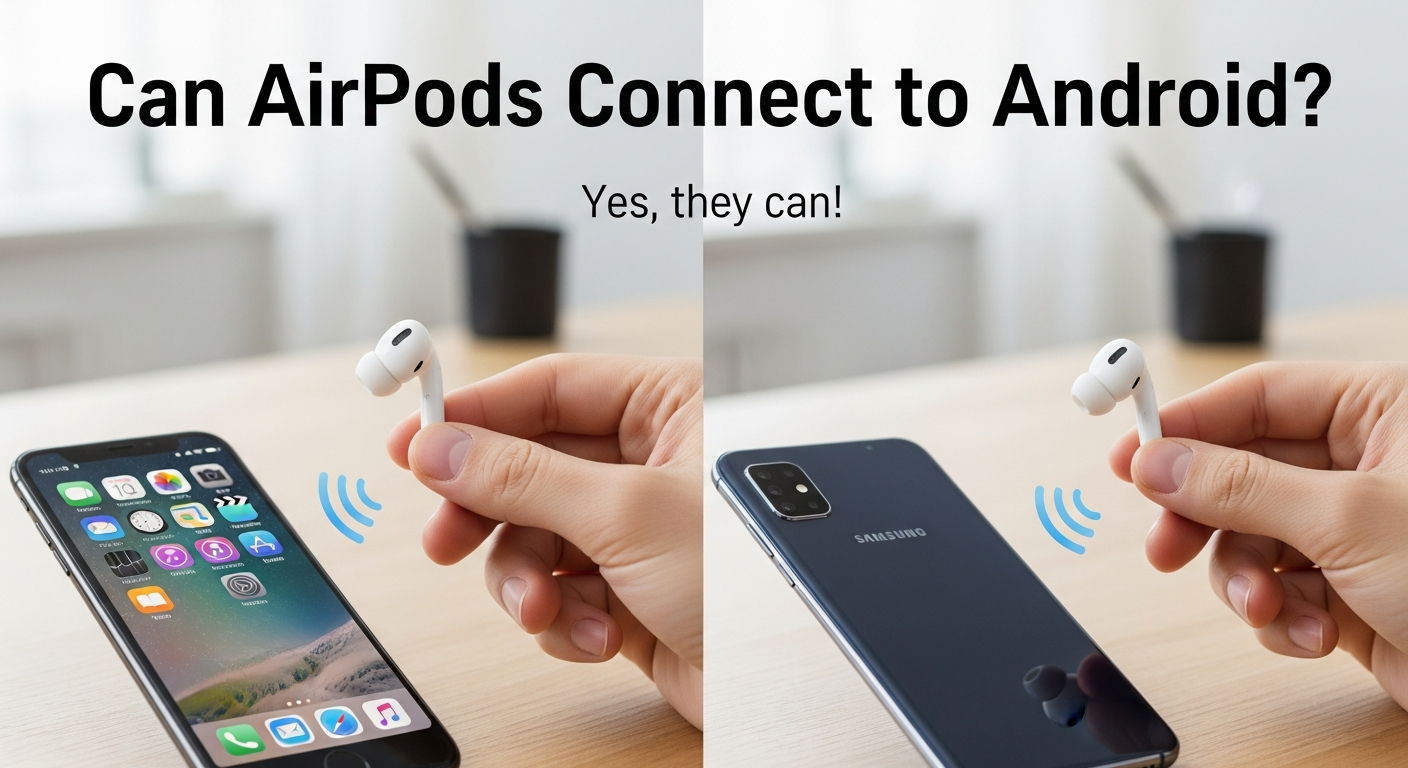
Can AirPods Connect to Android? Many people think AirPods only work with iPhones, but the truth is you can use AirPods with Android phones. If you have an Android device and want to enjoy the freedom of wireless AirPods, this guide will help you step by step. Connecting AirPods to Android is not only possible but also quite simple once you know the right way to do it. In this article, we will explain how to connect, tips for better use, common problems, and even apps that can improve your AirPods experience on Android.
Using AirPods on Android has become popular because AirPods are known for their great sound, easy design, and comfort. Even if Apple made them mainly for iPhones, Android users can still pair them via Bluetooth. You do not get all the features that iPhone users enjoy, but you can still listen to music, take calls, and enjoy decent battery life. Many Android users are happy to learn that AirPods are versatile and compatible with most Android versions. Once connected, you can easily switch between apps, enjoy stereo sound, and even use gestures like tapping to play or pause music. This makes AirPods a smart choice for Android users who want a wireless audio experience without buying new earbuds.
Can AirPods Connect to Android? Step-by-Step Guide
Can AirPods connect to Android? Yes, they can, and it is easy when you follow the right steps. First, open the AirPods case and make sure the earbuds are inside. Then, on your Android phone, go to Settings and find Bluetooth. Turn Bluetooth on and look for your AirPods in the list of available devices. Tap the name of your AirPods, and they will connect. You might hear a sound from the AirPods, which means they are paired. Now, you can use them to listen to music, watch videos, or take calls. The connection works just like any other Bluetooth earphones.
How to Pair AirPods with Android Easily in 2025
Pairing AirPods with Android in 2025 is simple because most modern phones support Bluetooth easily. Open your AirPods case and press the small button on the back until the light starts blinking. On your Android device, go to Bluetooth settings and scan for nearby devices. You should see your AirPods appear on the list. Tap to connect, and after a few seconds, your AirPods are ready to use. You can now play music, listen to podcasts, or make phone calls. This process works with all Android phones running recent software updates. Even beginners can do it without problems. AirPods make wireless listening very convenient for Android users.
Can AirPods Work Perfectly on Android Phones
AirPods work on Android phones, but some features are missing compared to iPhones. You can listen to music and answer calls without issues, and the sound quality is still very good. However, you cannot see the battery percentage directly on Android without an app, and automatic ear detection may not work as smoothly. Siri will not function on Android, so you cannot use voice commands the same way iPhone users do. Despite these limitations, AirPods are still very useful for Android users because they are small, wireless, and easy to carry. Many people enjoy using them daily for music, videos, and calls even without all iPhone features.
AirPods and Android: Features You Can Use and Miss
When you use AirPods with Android, some features work well while others are limited. You can play music, pause songs by tapping, take calls, and enjoy stereo sound without issues. But features like Siri, automatic ear detection, and battery pop-up are not available unless you install third-party apps. The touch controls can still help you play or skip tracks, but gestures may be less customizable. Overall, you can enjoy most of the core functions of AirPods on Android, making them a good wireless option. Android users only miss some Apple-exclusive features, but for daily listening, AirPods work perfectly fine.
Best Tips to Make AirPods Work Smoothly on Android
To make AirPods work smoothly on Android, always keep them charged. Make sure your phone has the latest software update, as this improves Bluetooth connection. Restart your phone if AirPods are not connecting properly. Keep the AirPods case clean and avoid dust around the sensors. If you want battery info, download an app that shows AirPods battery percentage. Avoid pairing with too many devices at once, as it can confuse Bluetooth. By following these tips, you can enjoy AirPods without interruptions. Smooth music, clear calls, and stable connection are possible even on Android phones with simple care and smart use.
Troubleshooting: When AirPods Won’t Connect to Android
If your AirPods won’t connect to Android, do not worry, it can be fixed easily. First, turn off Bluetooth on your phone and turn it back on. Try resetting the AirPods by pressing the button on the case until the light flashes. Forget the AirPods from your phone Bluetooth list and reconnect them. Make sure the AirPods are charged, and the phone is close to the earbuds. Restarting the phone sometimes helps. If the problem continues, check for Android system updates. Following these steps usually fixes connection problems, and your AirPods will work like new. Patience and careful steps solve most Bluetooth issues on Android.
Apps to Improve AirPods Experience on Android
Several apps can help AirPods work better on Android. These apps can show battery percentage, customize touch controls, and even improve sound quality. Some apps can also add features like automatic pause when you remove AirPods from your ears. Using these apps makes AirPods feel more like they do on iPhones. You can download them from the Play Store, and most are free. Always check reviews before installing. With the right apps, your AirPods can do almost everything they do on iPhone. Android users get a better experience and enjoy wireless music, calls, and podcasts with more convenience.
Conclusion
Can AirPods connect to Android? Yes, they can, and using them is easy if you follow the steps carefully. AirPods give you wireless freedom, good sound, and comfort even on Android phones. Some features like Siri and automatic battery pop-ups do not work, but apps can help with this. Following tips like keeping them charged, updating your phone, and cleaning the case improves performance. Even beginners can use AirPods without any problem. They are small, light, and perfect for daily use. With apps and care, AirPods on Android can give a smooth, enjoyable experience for music, calls, and videos.